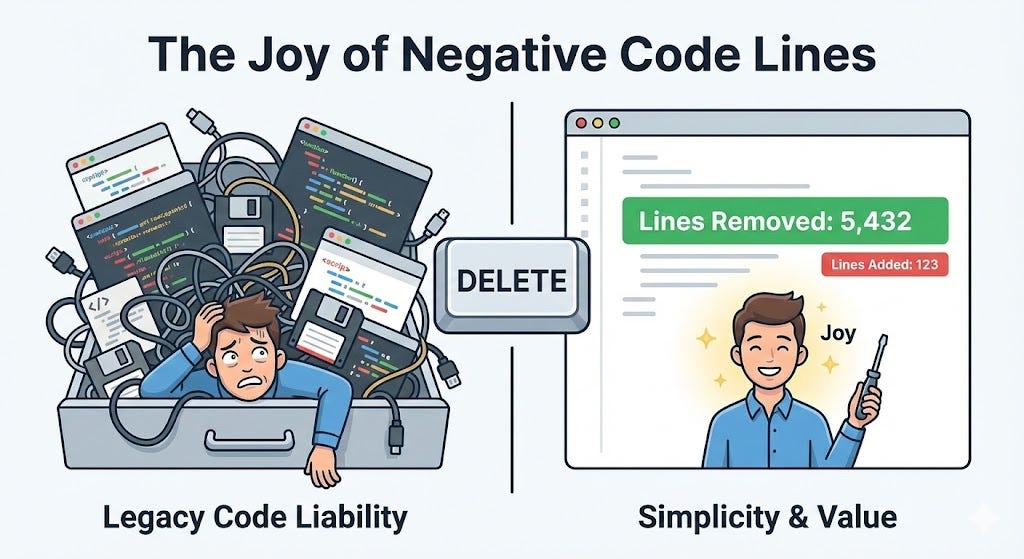
A guide to safely deleting code and reducing technical debt Link to heading
There is a common bias in our industry: the instinct to add.
As developers, when we face a problem, our default reaction is to write a new function or add a new library. It feels like progress. But while code drives value, it also carries a continuous maintenance cost.
Every line you write is a line that must be read by teammates, covered by tests, and secured against vulnerabilities. The most efficient system is the one that delivers maximum value with minimum code.
The “Just In Case” Hoarder Link to heading
We’ve all seen the “Fear of Deletion” in code reviews. A method is obsolete, but someone comments it out instead of deleting it: “Better keep it, just in case.”
This turns your codebase into a digital junk drawer. “Zombie Code” adds noise to searches and confuses new engineers trying to understand the domain.
How to Verify (The Toolkit) Link to heading
The hardest part of deleting code is the fear of breaking something hidden. “Find All References” isn’t enough. Here is how to verify usage safely:

1. The Static Check: Start with your IDE. If a method is private, trust the compiler. If it’s public, use tools like NDepend or SonarQube to spot “dead branches” visual inspection misses.
2. The External Audit: Check the edges. Are frontend analytics still firing events for that feature? Are HTTP logs showing hits on the old API endpoint? Are cloud metrics showing activity on that specific S3 bucket? If the edges are silent, the core is likely dead.
3. The Database Audit: Code can look valid while the data is stale. Check database statistics. If a table hasn’t had an INSERT or UPDATE in two years, the logic managing it is ghost-code.
4. The “Scream” Test (Metrics): If you are unsure about an internal method, emit a custom metric: Metrics.Increment("deprecated_feature_usage"). If the counter stays at zero for a full business cycle, you have your answer.
The AI Assistant (Your Cleanup Partner) Link to heading
Don’t ignore LLMs during cleanup. They are a force multiplier for verification.
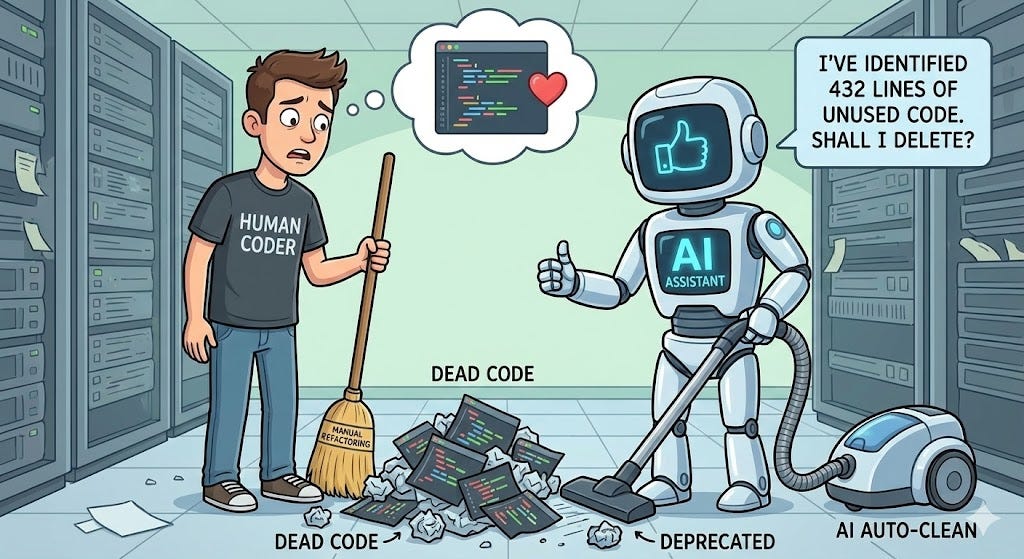
- The “Explain This” Test: Paste suspicious legacy code into an AI and ask: “Identify potential side effects if this were removed.” It often finds hidden dependencies.
- The “Safety Net” Tests: Before deleting complex logic, ask the AI to “Write comprehensive unit tests for this function.” Having tests that fail after you delete the code confirms you understand its impact.
- Generate the “Red PR”: Once you identify dead code, ask the AI to do the grunt work: “Refactor this file to remove the unused LegacyProcessor class and all references.”
Remember: AI is for acceleration, not abdication. You still click “Merge.”
The Sunset Strategy (Rollout Plan) Link to heading
Verifying is one thing; deleting is another. You need a safety net.
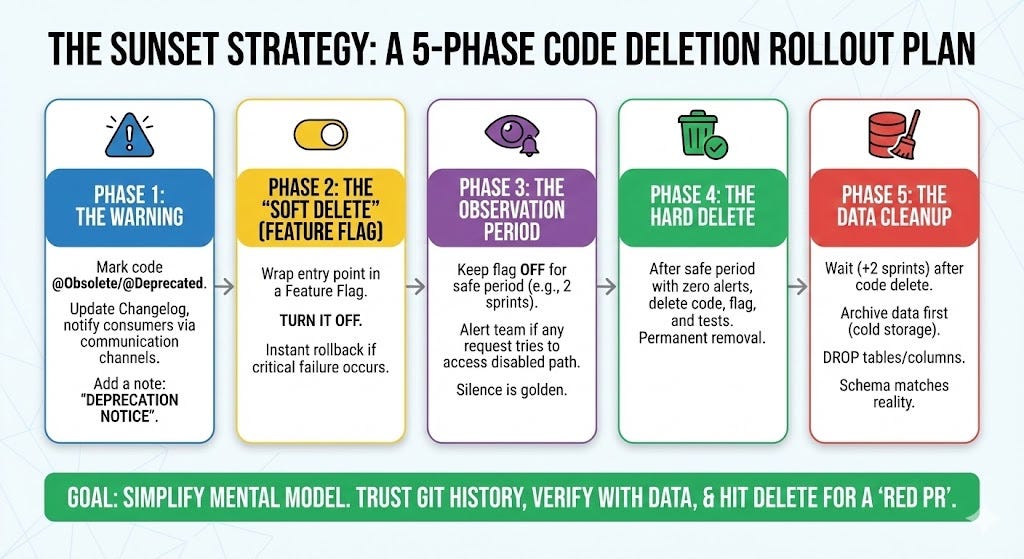
- Phase 1: The Warning: Don’t rely on quiet runtime logs. Mark code
@Obsoleteto warn other developers in their IDE, and clearly communicate removal dates in your changelog and team channels. - Phase 2: The “Soft Delete” (Feature Flag): Wrap the entry point in a Feature Flag and turn it off. This is your instant rollback mechanism if a critical user complains.
- Phase 3: The Observation: Keep the flag off for a safe period (e.g., 2 sprints). Ensure you have alerting on that disabled path. Silence is golden.
- Phase 4: The Code Delete: Once the observation period passes with zero issues, delete the code, the flag, and the tests.
- Phase 5: The Data Cleanup: Deleting code often leaves behind orphaned data. Wait a few extra sprints to be absolutely sure, then archive the data to cold storage before finally dropping unused tables or columns. Your schema should reflect reality, not history.
The Bottom Line Link to heading
There is a unique satisfaction in opening a Pull Request where the Lines Removed count is higher than Lines Added—it means you have simplified the mental model without sacrificing functionality. If code isn’t running in production, it is just noise; verify with data, and hit delete.